
I could argue I’m doing that on multiple levels these days. Except I want to talk Geometry, QGIS, and Forks in the Road.
I haven’t done just a “QGIS Tech Post” in a while. I talk about it and training and generalities but hardly dive into the specifics. So here is a specific fun something that QGIS does.
So I have a polygon I need to chop into pieces and to do that you usually go to the Advanced Digitizing Toolbar and use the split tool.

Except it won’t split. I get this error. Which you will see occasionally during digitizing operations if QGIS can’t do something.

I probably have an invalid polygon. QGIS has this nifty tool to check the validity of polygons. It is called surprisingly Check Validity!
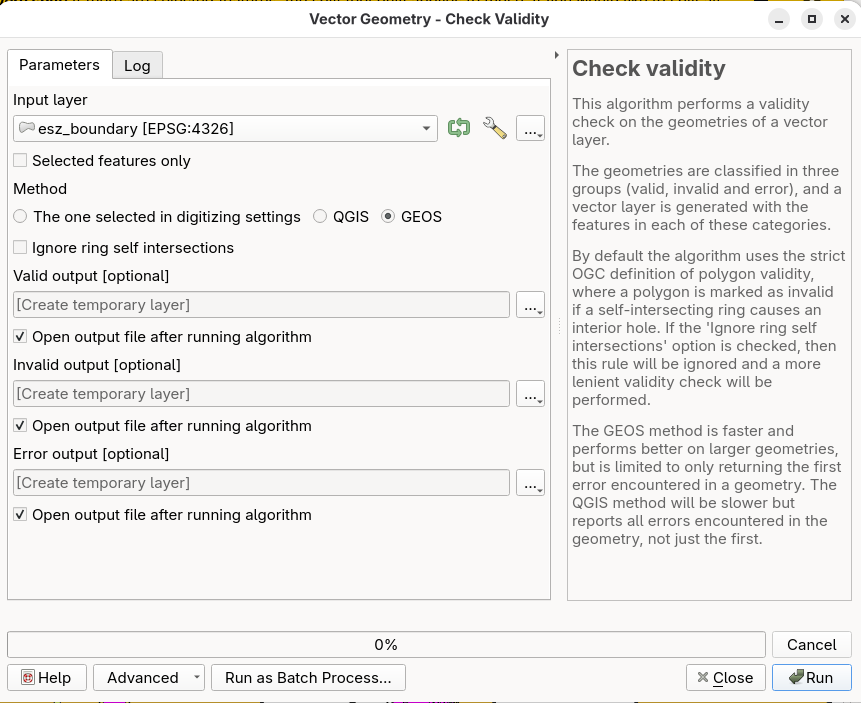
What makes a valid polygon invalid? Vertices could be out of order, there could be self intersection, and it could be the end of the day and you want to go home and you can’t because this polygon is ruining your day. So I run that and get two results: Invalid and valid polygons

…and that returns the one I’m attempting to split as invalid (light yellow). So what to do? My back end is PostGIS. So here is my fork in the road: Fix it with the ST_MakeValid command in PostGIS or run the Fix Geometries tool in QGIS and fix it.
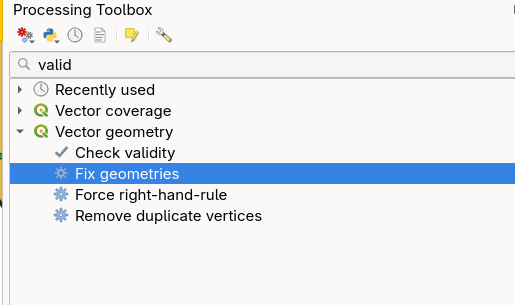
I’m going to do this with Fix Geometries AND use a feature of PostGIS called Edit Features in Place. If you look at the top of the Processing toolbox you’ll see a yellow icon at the top called “Edit Features In Place” and it does just what it says – it works on an existing feature and doesn’t create a new feature as the Processing tools generally do. So you have to be extra careful when running it because there will be no going back.
I select the polygon, push the icon for editing in place, and open “Fix Geometries” and run it.
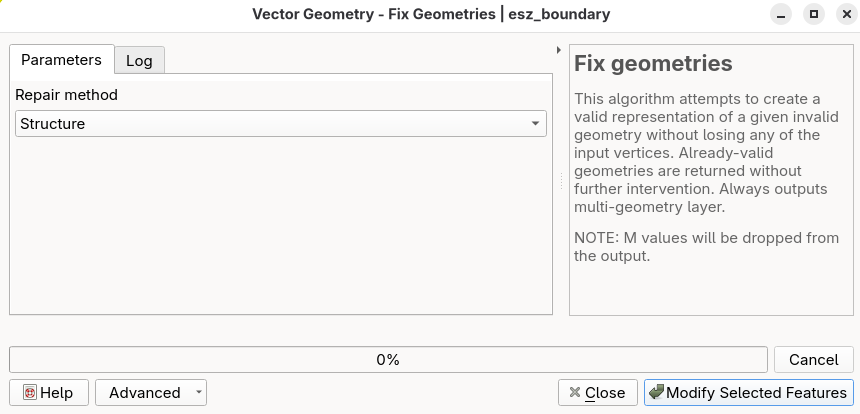
…….and I’m done with the least amount of effort. I can now split my polygon in peace and quiet.
There are a limited number of “Edit in Place” tools – something like 30+ where normally you have 500+ Processing tools. While I do love PostGIS I need simple – In this case I can get this done without leaving QGIS and move forward.


