
I went canoeing. I picked up trash. Which wasn’t all that bad – I should have picked up more BUT it was a nice day to be floating down a creek.

Anytime I get out in the canoe I do some thinking. Today ended up, worrying over the new QGIS class and this map I was making. I’m creating a map of canoe launches for a local county. I’m also using part of the map in the class. Which then led to “What if I find an new launch no one knows about?”. It happens. We found one that a high school had built and a known one that the National Park had closed.
I had talked about Input almost a year ago and left it more or less with “Awesome but slightly complicated” and granted it wasn’t complicated at all but the flow wasn’t quite there. There have been a ton of improvements. The flow is there now.
You have the option of creating a project out in the field. Last time I checked in on Input, the process was to build a project in QGIS and then syncing it through Lutra’s Mergin service. In my canoe (with very little cell service), I opened Input and went to “My Projects” and made a project that collected points. I decided to collect locations where we picked up tires. Luckily this wasn’t anything more than me goofing off because I usually don’t keep my phone out while canoeing. So I did a terrible job of data collection.

From there I collected data and took some pics and started collecting data.
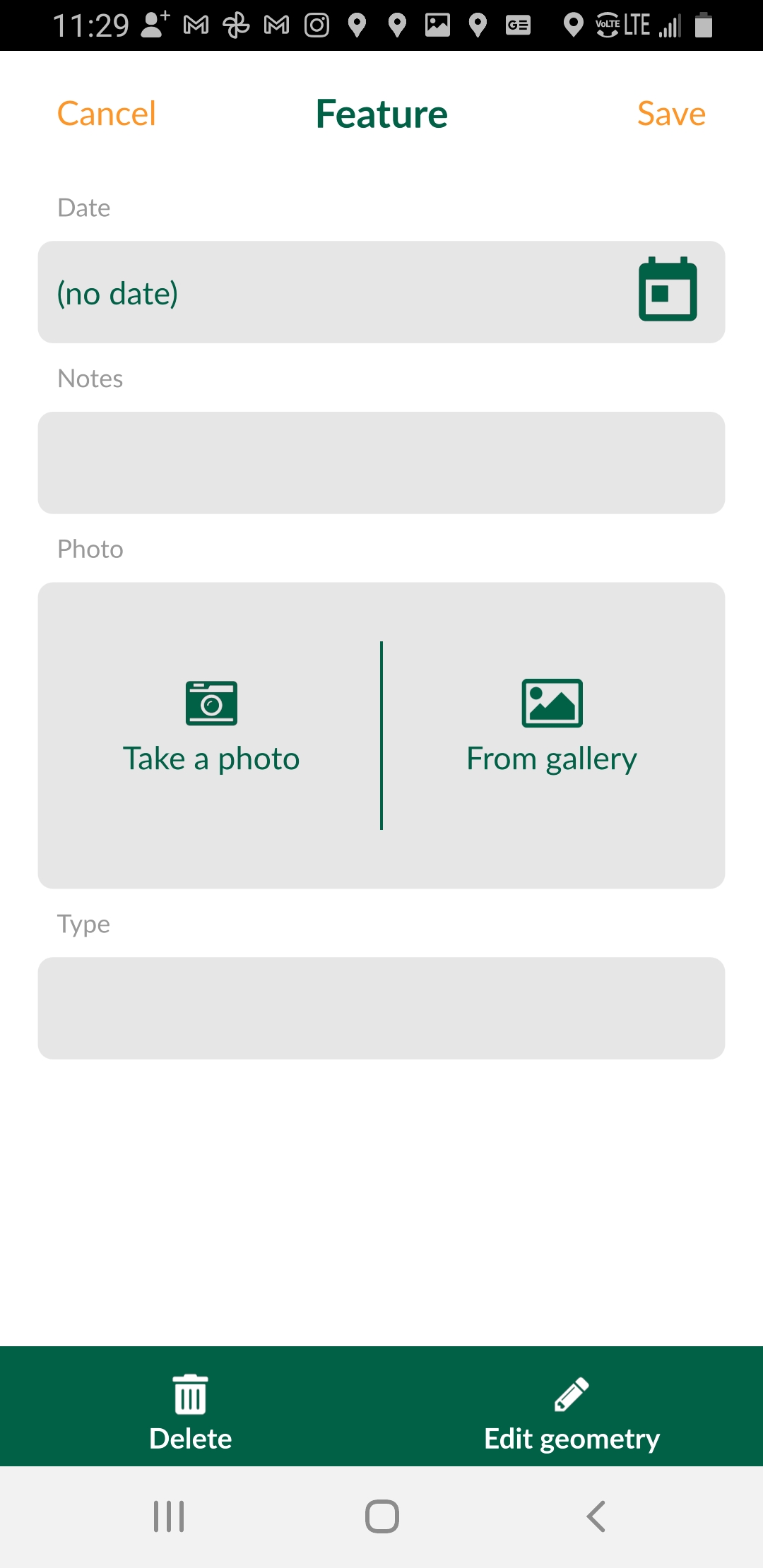
I took some pics. Made some notes. When I finished I synced it to Mergin. So here’s the cool thing. My Mergin Plugin in QGIS shows my project that I just synced. From there I can download it (and the photos) and display it on my desktop. The downloaded project comes as a geopackge.

One of the nicer things about this endeavor is I can still keep collecting and sync back to my desktop at my convenience. If I make edits on the Desktop I can sync those back into Mergin. So you have this really nice back and forth with data collection: Input -> Mergin -> QGIS and QGIS -> Mergin -> Input. Next up is shoving those improvements into PostGIS directly.
Overall – Input has had a ton of changes for the better. Spur of the moment data collection worked. It makes me wonder on what else I can do. Which brings my grizzled old self back to how many options I have for my phone to go out and collect data. Yes in a lot of instances you need high accuracy data collection but in many cases (which is where I am in most of my professional life) a phone is it.




